CK444 Login: How to Sign In and Access Your Account

Logging into CK444 takes under 30 seconds. You enter your 11-digit Bangladeshi mobile number, type your password, and you land straight on the main screen with your BDT balance, game history, and active bonuses ready. This page covers every entry point: browser on PC or phone, the Android APK app, and social login via Facebook or Google. You will also find a clear guide on password recovery, session management, and what to do if the login button does not respond.
Welcome offer: up to 50% on your first deposit — slots, live casino & sports in BDT
REGISTERAND GET BONUS

Where to Find the Login Button

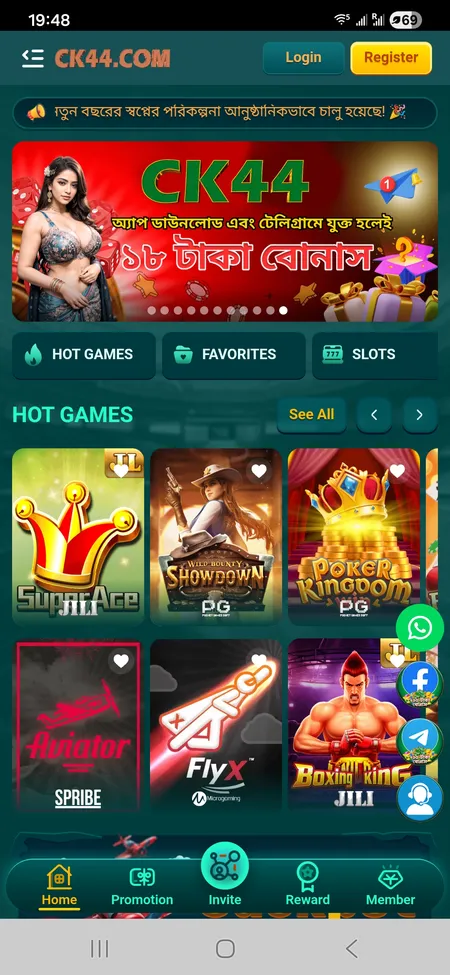
On the CK444 website the Login button sits in the top-right corner of the header, next to Register. It is visible on every page without scrolling. On a mobile browser the same header appears in a condensed form; both buttons remain accessible. Inside the Android APK app the Login button is centred on the welcome screen that opens at first launch. If you have previously signed in and your session expired, the app redirects you to the same screen automatically.

The side hamburger menu also contains a prompt to log in when you are not authenticated, so there are at least three ways to reach the form without hunting through sub-pages.

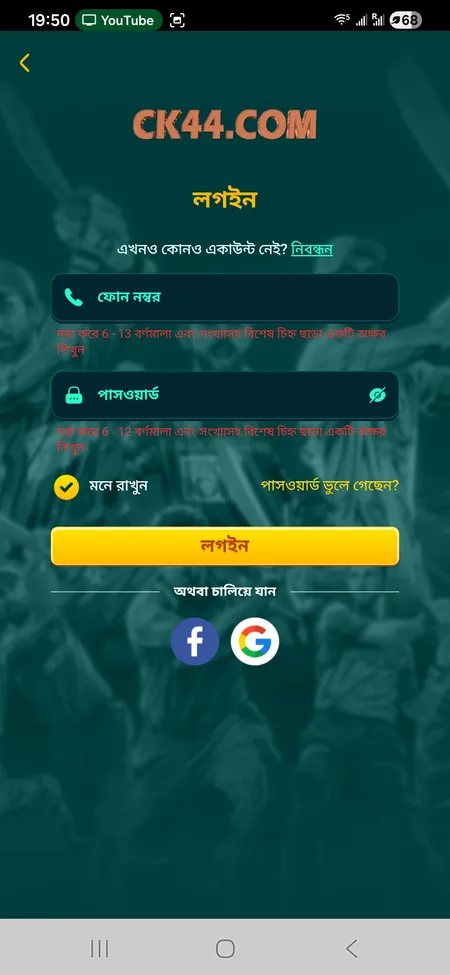
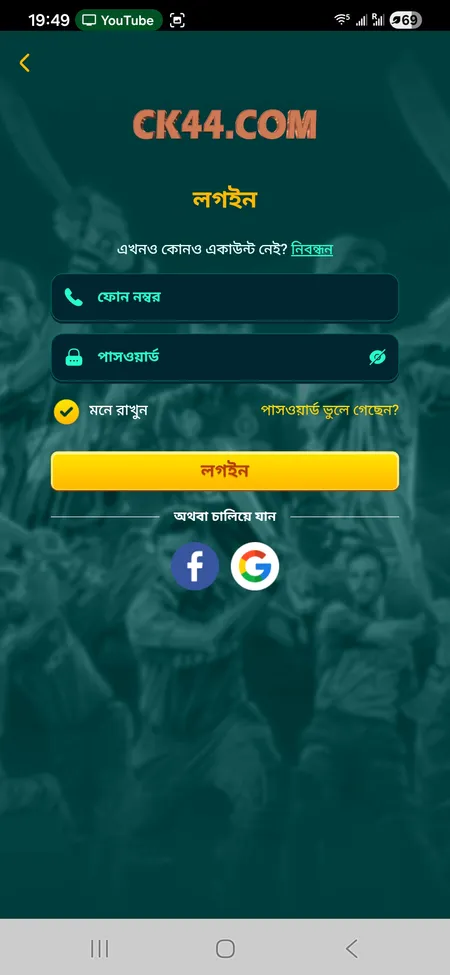
CK444 login form with phone and password fields

The standard login screen: phone number field (6-13 digits), password field, Remember Me checkbox, Forgot Password link, and buttons for Facebook and Google login.

Login Methods Available on CK444

CK444 supports three distinct ways to authenticate:

Method What you need Speed
Phone + Password 11-digit BD mobile number, 6-12 character password Fastest
Facebook Linked Facebook account One tap
Google Linked Google account One tap

Phone login is the primary method and works on every device. Facebook and Google logins are useful if you registered through one of those social providers and prefer not to type a password each time. Both options appear as dedicated buttons below the main form on the login screen.

Log In to CK444

Step-by-Step: Signing In with Phone and Password

Follow these steps every time you open a new session on CK444:

How to Log In

  1. Opening the login form on CK444

    Open the CK444 website or launch the Android app. Tap the Login button in the header or on the welcome screen.

  2. CK444 home screen after successful login

    Enter your registered 11-digit Bangladeshi mobile number in the phone field. The field accepts 6-13 characters so do not include the country code prefix.

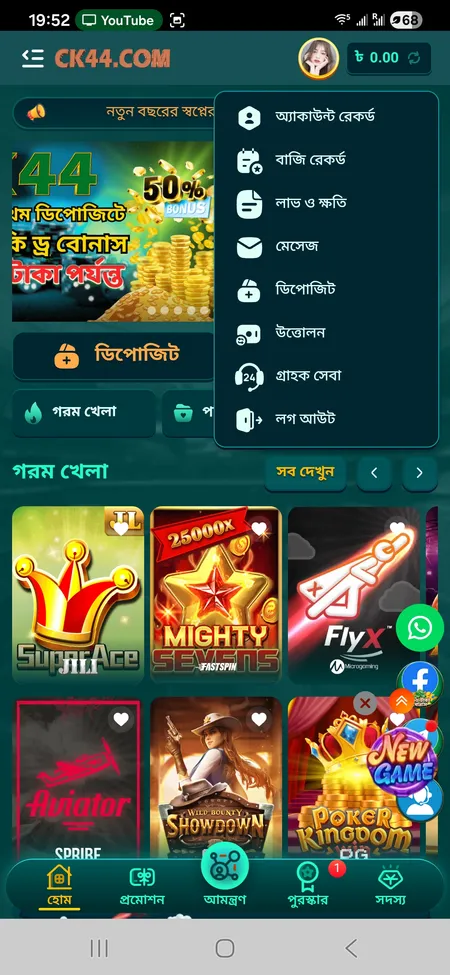
  3. Account menu visible after CK444 login

    Type your password (6-12 characters, letters and digits). Check 'Remember Me' if you want the browser or app to keep your session active between visits. Tap Login. Your BDT balance and profile appear in the header within seconds.

Logging In via the Mobile App

The CK444 Android APK (approximately 25 MB) provides a faster login experience than the mobile browser because the app caches your session token locally. After installation from the CK444 download page you open the app, tap Login, and fill in the same phone and password fields. The Remember Me option is enabled by default in the app, so subsequent launches skip the form entirely and take you straight to the home screen.

For iOS users the platform offers a PWA (Progressive Web App) installed through Safari's 'Add to Home Screen' option. The PWA behaves like a native app and stores your session the same way.

If you use fingerprint or Face ID unlock, the app can trigger biometric confirmation after the first manual login, reducing the sign-in process to a single touch on return visits.

The Android APK is signed and distributed exclusively from the official CK444 website. Downloading from third-party sources or Telegram links carries a security risk. Always verify the file comes from ck44.com before installing.

Download the Official CK444 App

The Login Form Explained

Understanding each element on the form prevents confusion:

  • Phone field - accepts your registered mobile number (6 to 13 digits). Do not add spaces or dashes.
  • Password field - masked input, 6 to 12 characters. Passwords are case-sensitive.
  • Remember Me - keeps your session alive in the current browser or app. Uncheck this on shared devices.
  • Forgot Password? - opens the account recovery flow.
  • Login button - submits credentials and initiates the session.
  • Facebook / Google buttons - one-tap social login if your account is linked to either provider.

The form does not use CAPTCHA under normal conditions. If the platform detects repeated failed attempts from the same IP it may temporarily require additional verification.

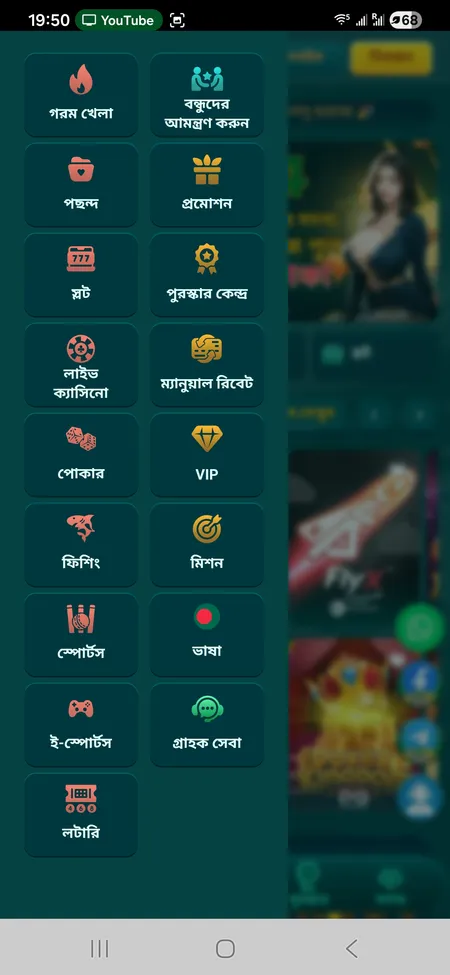
CK444 side menu after login showing account sections

After a successful login the side menu unlocks sections like Bet History, Profit and Loss, Deposit, Withdrawal, and VIP - all unavailable to logged-out visitors.

Password Recovery: Regaining Access

If you forgot your password, CK444 does not offer an automated self-service reset by default. The supported recovery path is through 24/7 live customer support available in Bengali and English. Here is what to prepare:

  1. Your registered 11-digit mobile number.
  2. Any recent transaction reference (Trx-ID) if you have made a deposit.
  3. Approximate registration date or last login date.

Support can be reached via online chat on the site, Telegram at t.me/Ck44Ofc, WhatsApp, or Facebook. Response time is stated as 2 to 5 minutes. Once identity is verified, support will guide you through setting a new password that meets the 6-12 character alphanumeric requirement.

Keep your new password in a secure location and avoid reusing passwords from other services.

CK444 will never ask for your password through Telegram, WhatsApp, or Facebook messages. If someone claiming to be CK444 support requests your login credentials, it is a phishing attempt. Report it immediately through the official chat on the website.

Contact CK444 Support

Common Login Problems and How to Fix Them

Problem Likely cause Fix
'Wrong password' error Caps Lock on or typo Re-enter carefully; check case
Account not found Wrong phone number format Use 11-digit BD number without country code
Page not loading Unstable internet connection Switch to mobile data or refresh
Session expired immediately Browser cookies disabled Enable cookies or use the app
Social login fails Facebook/Google token expired Re-authorise the social account in settings
App crashes on login Outdated APK version Re-download the latest APK from the official site

If none of these fixes work, clearing the browser cache or reinstalling the APK resolves the majority of remaining cases. For persistent issues contact support with your phone number and a description of the error message you see.

Session Management and Security

CK444 sessions stay active as long as Remember Me is checked and you do not manually log out. The platform uses SSL encryption for all data transmitted between your device and its servers, which protects credentials in transit. The Privacy Policy accepted during registration governs how login data and device information are stored.

For account security follow these practices:

  • Use a unique password not shared with email or social accounts.
  • Avoid logging in on public Wi-Fi without a VPN.
  • Log out manually (through the profile menu: tap your avatar, then Logout) when using a shared or borrowed device.
  • Do not share your password with anyone, including people claiming to be CK444 staff.

After login you can access Bet Records, Profit and Loss reports, Deposit and Withdrawal history, and the full CK444 game catalog - all sections that require an active authenticated session.

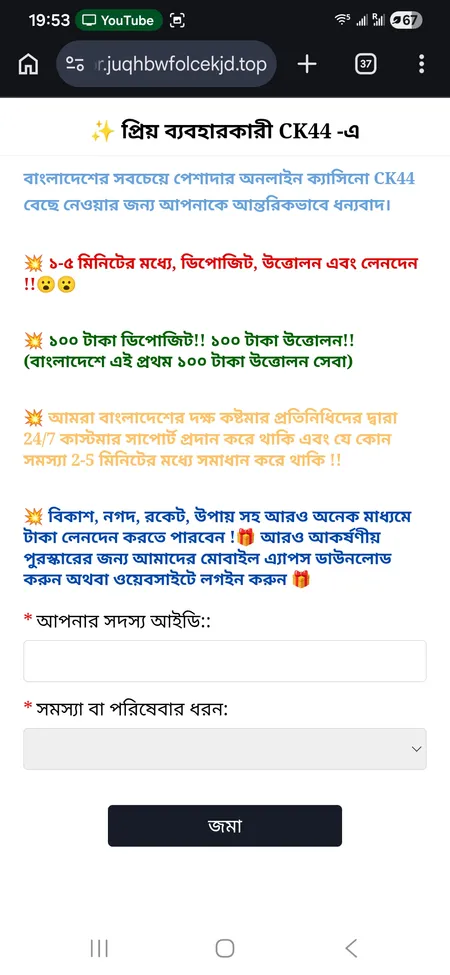
CK444 support page for login assistance

The support page lists quick-contact buttons for WhatsApp, Facebook, and Telegram. Use these if you cannot log in and need help recovering your account.

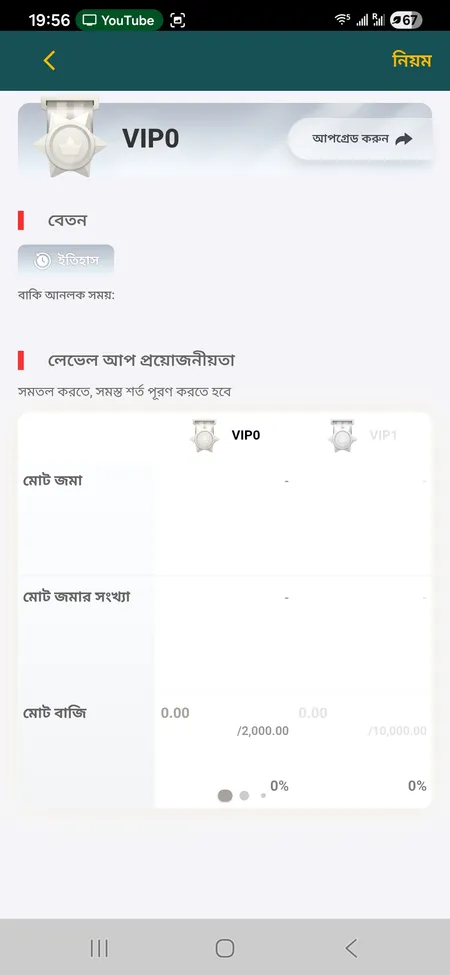
VIP section visible after CK444 login

What You Can Do After Login

Once signed in you get full access: check your BDT balance, claim active bonuses in the Reward Center, review your bet and deposit history, switch between Bengali and English in the Language menu, and manage up to five linked e-wallets for bKash or Nagad withdrawals. The VIP level and available weekly salary also display in the Member section.

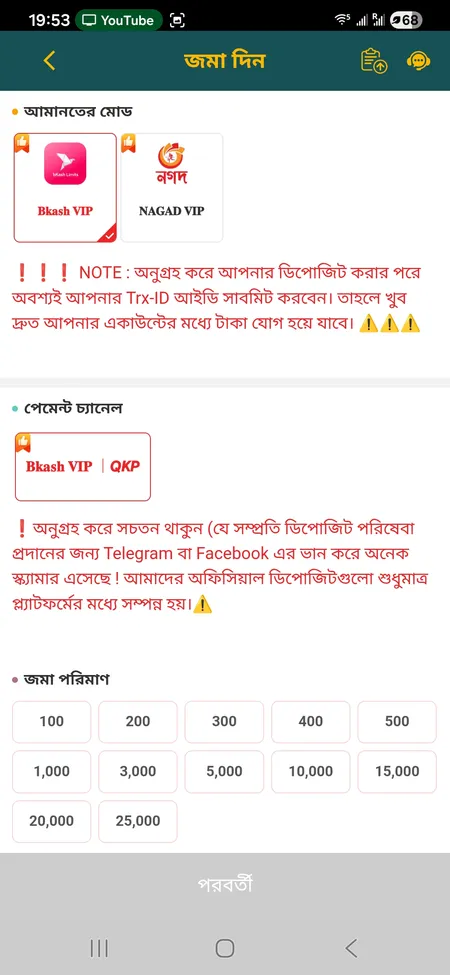
Deposit form accessible after login

What Requires Login on CK444

Depositing BDT through bKash, Nagad, Rocket, or Upay, placing bets on slots, live casino, cricket or football, participating in Red Envelope Rain events, spinning the Rewards Wheel, and withdrawing winnings - all of these actions are blocked until you are authenticated. Registration is only required once; after that login is your daily entry point.

Your CK444 account is one login away from slots, live casino tables, sports betting on cricket and football, and daily bonus events in BDT.

FAQ: CK444 Login

What phone number format should I use to log in?

Enter your 11-digit Bangladeshi mobile number without the country code (+880) and without spaces. For example, if your number is +880 1X XX XXX XXX, enter 01XXXXXXXXX.

I forgot my CK444 password. How do I reset it?

Contact CK444 support through the live chat on the website, Telegram (t.me/Ck44Ofc), or WhatsApp. Support operates 24/7 in Bengali and English and can verify your identity and help you set a new password within minutes.

Can I log in with Facebook or Google?

Yes. The login screen has dedicated buttons for Facebook and Google. This works only if you originally registered or linked your account to one of those providers. If you registered with a phone number, use phone login.

Why does the login page say my account does not exist?

The most common reason is entering the phone number in the wrong format. Try without leading zeros or country codes, just the 11-digit number. If the problem persists, you may have registered under a different number or the account may have been deactivated.

Is it safe to use Remember Me on my personal phone?

Yes, on a personal device Remember Me is safe and convenient. Avoid using it on shared phones, computers at internet cafes, or any device other people also use.

My session logs out every time I close the browser. What is wrong?

Your browser is likely set to clear cookies on close, or you are using private/incognito mode. Switch to a regular browser tab or use the Android APK app, which maintains the session independently of browser settings.

Can I be logged in on multiple devices at the same time?

CK444 does not officially restrict simultaneous sessions, but for security reasons it is best practice to log out of devices you no longer actively use. You can do this from the profile menu on each device.

How do I log out of CK444?

Tap your avatar or profile icon in the header to open the account menu. Scroll to the bottom and tap Logout. This ends your current session. To log out of all devices simultaneously, contact support.